

Course schedule
Students can view their course schedule in the myOkanagan student portal.
Step-by-step instructions
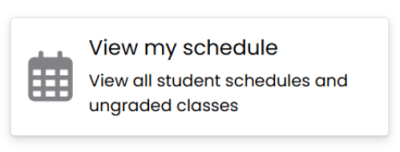
Step 1: Log in to myOkanagan. From the homepage, select “View my schedule.”
Step 2: Select the current or upcoming term from the drop-down menu.
Step 3: Scroll through the calendar view or select “Schedule Details” for more information about your classes, including the location.
Helpful tips
Class Location: Make sure to familiarize yourself with where each class is held.
Instructor Names: Knowing your instructors can help you address any queries regarding the class.
Save a Copy: Print out or take a screenshot of your schedule for future reference.
Requesting a schedule
If you would like to have your schedule sent to you by email, please contact registration@okanagan.bc.ca with your name, student number and request. You can also request a schedule by visiting the Office of the Registrar or your campus administration office.
Related questions
Q1: I am a technology student entering my second year. I withdrew from some of my first-year courses and have not received a schedule. What should I do?
A1: If you are in ELEN, MECH, CIEN, or ICT and have withdrawn from or failed first-year courses, you are considered an "out of sequence" student.
Out of sequence students will need to make an appointment with the Chair of your program to discuss future classes.
Q2: I have been block registered by Okanagan College for my program, but I would prefer a different class schedule with different times. What can I do?
A2: Okanagan College registers students to balance classrooms and class times for their program. If you have an extenuating circumstance that prevents you from attending the classes on your schedule, you should speak with the Chair of your program to discuss your concerns.